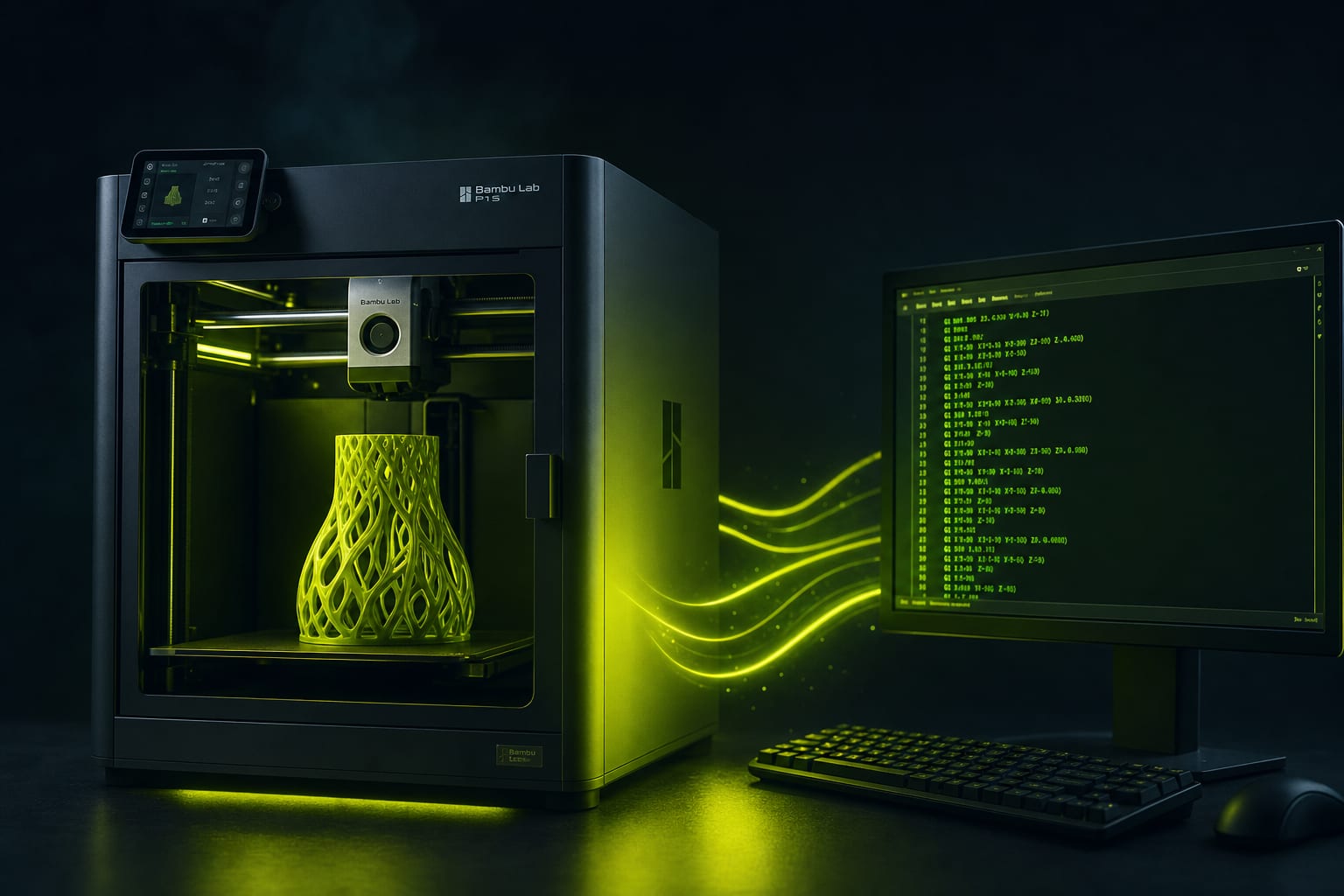
G-code is just text. If you understand the 30 most-used commands, you can debug failed prints, customize start/end behavior, optimize Multi-AMS waste, and migrate profiles between slicers. Here's the reference — every M-code Bambu Studio and Orca Slicer actually output, with real production snippets.
G-code Structure: Header, Body, Footer
A sliced G-code file has three regions. The header (first 100-300 lines) initializes the printer: home all axes, set temperatures, load filament, prime the nozzle. The body is thousands of G0/G1 moves that draw each layer. The footer parks the head, turns off heaters, and ejects (on AMS-equipped machines).
Comment lines starting with ; carry metadata. Bambu Studio embeds extensive metadata at the top of every file: filament weights per AMS slot, total time estimate, layer count, model name, sliced-at timestamp.
Movement Commands (G0–G3, G92)
These are universal across all FDM firmware:
- G0 X10 Y10 — non-print rapid move. Optional Z and E parameters.
- G1 X10 Y10 E0.5 F1500 — print move with extrusion. F = feedrate in mm/min (1500 = 25 mm/s).
- G2 X10 Y10 I5 J5 — clockwise arc move (used for round walls in newer slicers).
- G3 X10 Y10 I5 J5 — counter-clockwise arc.
- G92 E0 — reset the extruder position counter to zero (used between layers).
G28 homes all axes. G29 runs auto-bed-level (skipped on Bambu, which uses M1006 instead). G90 sets absolute coordinates; G91 sets relative — Bambu output is always G90 mode.
Temperature Control (M104, M109, M140, M190)
Four commands handle all temperature operations:
- M104 S220 — set hotend target to 220°C, DON'T wait. Used in mid-print profile changes.
- M109 S220 — set hotend target to 220°C and WAIT for it. Used at print start.
- M140 S60 — set bed target to 60°C, DON'T wait.
- M190 S60 — set bed target to 60°C and WAIT for it.
Multi-material profiles use M104 S0 T1 (set tool 1's hotend off) when switching to tool 0. Bambu AMS doesn't have multiple hotends — it switches filament through the same hotend, so you'll see M109 R230 T0 (Wait for hotend to drop to 230, on extruder 0).
Fan Control (M106, M107)
- M106 S255 — part cooling fan at 100% (255 = full PWM).
- M106 S128 — fan at 50%.
- M106 P1 S255 — turn on auxiliary fan (P1) at 100% (P0 is default part fan).
- M107 — turn part fan off completely.
Bambu A1 has one part fan + one chamber heater fan (P2). X1C and P1S add a side aux fan (P1). G-code respects the printer's actual fan layout — if your G-code has M106 P1 but the printer has no aux fan, the command is silently ignored.
Bambu-Specific M-codes
Bambu firmware extends G-code with proprietary commands. These won't work on non-Bambu printers:
- M620 S1A — AMS filament-loading command. S1 = AMS slot 1. Used for multi-color prints.
- M621 S1A — AMS filament-unload.
- M622 J1 — wait for filament-change action to complete before continuing.
- M623 — pause for AMS color swap (used between layers in multi-color prints).
- M624 — verify filament type matches profile (refuses to start if AMS has different material).
- M1002 gcode_claim_action: N — internal accounting, ignore.
- M1006 — auto bed-level (replaces standard G29).
- M73 P50 R30 — progress report: 50% complete, 30 minutes remaining. Updates LCD.
Orca / Klipper / Voron M-codes
Orca Slicer generates Klipper-flavored G-code by default. Klipper extends with macros:
- SET_PRESSURE_ADVANCE ADVANCE=0.04 — set Pressure Advance value live (not a real M-code, Klipper macro).
- BED_MESH_CALIBRATE — runs full bed mesh.
- FILAMENT_SWITCH_SENSOR ENABLE=1 — toggle runout sensor.
- M204 S2500 — set print acceleration (mm/s²). Works on both Klipper and Marlin.
- M205 X10 Y10 — set jerk per axis (Marlin-style, not used by Klipper).
Anatomy of a Bambu G-code Header
Here's a typical Bambu A1 start sequence (truncated to essentials):
; HEADER_BLOCK_START ; ; date: 2026-05-13 14:23:55 ; total_layers: 187 ; total_filament_used: 8.42g (PLA Basic Cyan) ; estimated_time: 47m 12s ; sliced by: Bambu Studio v2.0.4 ; ; HEADER_BLOCK_END
Then comes the printer initialization:
G90 ; absolute coordinates M83 ; relative extruder mode G28 ; home all axes M104 S220 ; set hotend, don't wait M140 S60 ; set bed, don't wait M190 S60 ; wait for bed M109 S220 ; wait for hotend M1006 ; auto bed level M620 S0A ; load AMS filament from slot 0 G1 Z0.2 ; lower nozzle to first-layer height G1 X10 Y10 E5 F1500 ; prime line, extrude 5mm
Modifying Start G-code Safely
Bambu Studio: Printer Settings → Machine G-code → Machine start G-code. This block runs BEFORE the slicer-generated body. Three common customizations:
- Wait for chamber temperature (X1C/P1S with chamber heater): add
M191 S40 ; wait for chamber 40°Cafter bed/hotend wait. Reduces ABS/ASA warping. - Reduce nozzle wipe (saves filament): replace default
G1 X10 Y10 E5withG1 X10 Y10 E2.5. Most prints don't need full 5mm prime. - Custom progress message (LCD display): add
M117 Printing: catmask v2.3after homing. Shows during print.
Never modify the slicer-generated G1 body of a sliced file. Body coordinates are calculated relative to homing. Editing one move shifts everything downstream and crashes the head into the bed.
Debugging Failed Prints from G-code Inspection
When a print fails halfway, the G-code can tell you what was happening:
- First-layer adhesion failed — check first 50 lines after
; LAYER:1. Look for: extrusion rate (E values), feed rate (F values), Z height (G1 Z0.2 should be exact). - Layer shift — search for
M73progress markers; the layer where shifting happened typically has higher-than-default speeds. - Extruder skip — look for E values that suddenly drop after a hot section. Indicates clog or melted gear.
- Bed not staying hot — check for absent
M140orM190after layer change (some slicers strip bed-heat commands when layer count is low).
G-code File Size Reference
From our production data across 105 catalog models:
- Small keycap (5g, 25 min print) — 0.8–1.2 MB G-code
- Cat mask (30g, 3.5h print) — 8–14 MB
- Flexi toy (50g, 5h print) — 12–20 MB (many small features = more G1 lines)
- Build-a-hero figure 20cm (200g, 12h print) — 60–80 MB
- Build-a-hero figure 40cm (800g, 28h print) — 180–250 MB
Summary
- G-code = movement (G0–G3) + state changes (M-codes) + comments
- Universal commands: G0/G1 moves, M104/M109 temp, M106/M107 fan
- Bambu-specific: M620/M621 AMS, M624 filament check, M1006 bed-level
- Klipper-specific: SET_PRESSURE_ADVANCE, BED_MESH_CALIBRATE (macros, not M-codes)
- Safe customization: Machine Start/End G-code blocks in slicer settings
- Never edit a sliced G1 body by hand — coordinate offsets cause crashes


Ready to Start Printing?
Browse our collection of 3D printable models — from flexi toys to cat masks.
Visit Our Store →