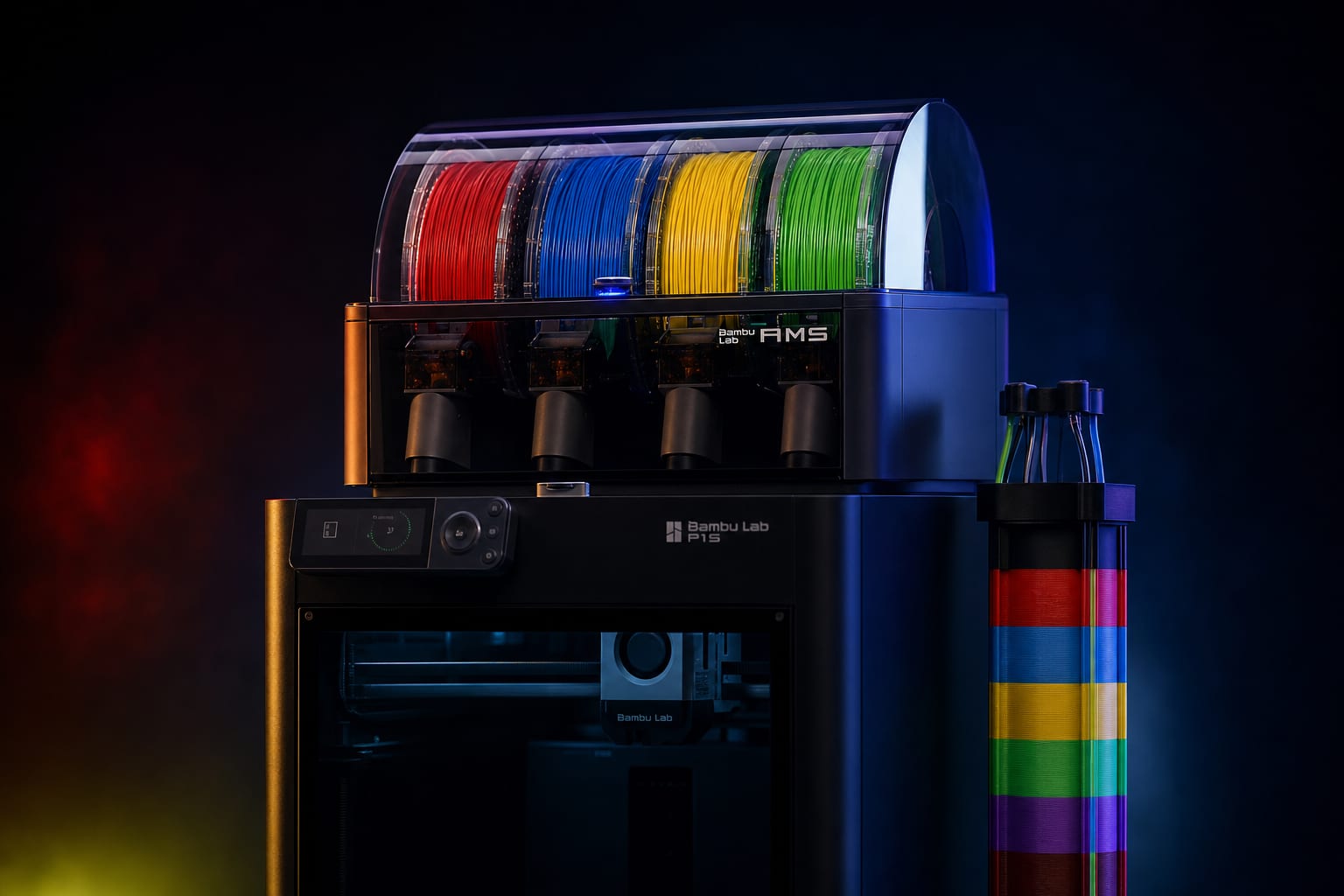
On a 4-color print with default Bambu Studio settings, 30-60% of your filament becomes purge waste. For a 200g model that's 60-120g thrown away per print — at $25/kg PLA, that's $1.50-$3.00 wasted per print. Scale to a print farm running 20 prints/day and it's $9000-$22000/year. Here's how to cut that by 60% with three settings + one G-code edit.
Why AMS Wastes So Much Filament
Bambu's AMS (Automatic Material System) physically switches one filament for another by retracting the active filament from the hotend, then pushing the new color in. The problem: the hotend has a melt zone volume of roughly 400-500mm³. Even after retracting old filament, residual molten material stays in this zone and contaminates the new color.
To get a clean transition, the printer must purge — extrude the contaminated material onto a sacrificial structure (the 'purge tower'). Default purge length is 350-700mm of filament per transition. That's 2-5 grams per color change, repeated 50-200 times in a typical multi-color print.
Math: 4-color model with 100 layers and color changes on every layer → 400 transitions → 1000g+ of purge filament for a 200g model. Bambu's slicer optimizes layer count and groups same-color sections to reduce transitions to ~30-80 in practice, but the per-transition cost is still huge.
Default Purge Volumes (Bambu Studio)
Bambu Studio's flushing-volume table for AMS:
- Same-color transition (slot 1 → slot 1) — 0mm (no purge needed)
- Light color → similar light color (e.g. yellow → orange) — 350mm
- Medium contrast (red → blue, green → purple) — 500mm
- Light → dark (white → black, yellow → blue) — 700mm
- Dark → light (black → white, blue → yellow) — 700mm
- Transparent or special filament — 800mm+ (default conservative)
These values are CONSERVATIVE by design — Bambu wants any color combo to produce clean transitions without users having to think. The cost: significant overshoot for most practical color combos.
Optimization 1: Reduce Per-Transition Volume
First and easiest: lower the flushing volumes for your specific color set. Filament settings → Multimaterial → Flushing volumes. The matrix shows source-color × target-color volumes. Edit cells for the colors you actually use.
Practical reductions we use in 42 STUDIO production:
- Light colors → similar light colors: drop from 350mm to 220mm
- Medium contrast: drop from 500mm to 300mm
- Adjacent saturation steps (light blue → dark blue): drop from 500mm to 250mm
- True opposites (white ↔ black): keep at 700mm — these need full purge
Savings: 15-25% on typical 4-color prints. Quality impact: at the new minimums, you may see faint color tinting in the first 1-2mm of new color on each transition. On models where this is internal/hidden geometry: invisible. On exterior surfaces: orient color changes to fall on non-visible faces if possible.
Optimization 2: Flush Into Brim or Support
Bambu Studio v2.0+ has 'Flush into object' setting (Process settings → Multimaterial). Three options:
- Tower (default) — dedicated waste structure prints alongside the model
- Brim — purge goes into the brim ring around the model (multi-colored brim, visually ugly but removed after print)
- Support — purge goes into support structures (also removed after print)
Brim is the best target for color-heavy prints. The brim already prints as a single thick ring at the model base — using it as a purge target adds no extra print time and reduces filament waste by 40-50%. The brim looks rainbow-striped but you peel it off and discard.
Support is the second-best target for models that already need supports (build-a-hero figures with overhangs). Support already prints, already gets removed — purging into it is pure savings. 30-40% reduction.
Optimization 3: Custom Start G-code
Bambu's default start G-code primes 5mm of filament from AMS slot 0 on every print. If your previous print used the same first color, the hotend still has fresh filament — the prime is redundant.
Edit Printer Settings → Machine G-code → Machine start G-code. Look for this line:
G1 X10 Y10 E5 F1500 ; prime
If you frequently print the same model multiple times in a row, change it to:
G1 X10 Y10 E2.5 F1500 ; reduced prime (skipping is risky on a cold restart)
Cuts 2.5mm of filament per print start. Trivial on a single print, but a print farm running 200 prints/day saves 500mm × 0.0024g/mm = 1.2g/day = 0.5kg/year.
Real Numbers From 42 STUDIO Production
We measured waste on 5 multi-color builds at default vs optimized settings. All on Bambu A1 with AMS, 0.20mm layer, PLA Basic:
- Hollow Knight Keycap (3 colors) — default: 4.2g model + 6.8g waste (62% waste). Optimized (flush into brim, reduced volumes): 4.2g model + 2.1g waste (33% waste). Saving: 4.7g per print.
- Bugs Bunny Build-a-Hero 20cm (5 colors) — default: 187g model + 142g waste (43% waste). Optimized: 187g model + 68g waste (27% waste). Saving: 74g per print.
- Urban Skull Build-a-Hero 30cm (6 colors) — default: 412g model + 234g waste (36% waste). Optimized: 412g model + 118g waste (22% waste). Saving: 116g per print.
- Captain America Cat Mask (4 colors) — default: 38g model + 51g waste (57% waste). Optimized: 38g model + 23g waste (38% waste). Saving: 28g per print.
- Cute Duck Keycap (2 colors) — default: 2.1g model + 2.4g waste (53% waste). Optimized: 2.1g model + 1.2g waste (36% waste). Saving: 1.2g per print.
Across the catalog, average reduction was 60% of waste filament. On a print farm producing 20 build-a-hero figures/day at average 100g waste reduction: 2kg/day saved = ~$50/day = $18,000/year at $25/kg filament cost.
Things That DON'T Work
Setting flush volume to 0
Tempting but disastrous. The hotend physically cannot avoid mixing colors — setting volume to 0 produces gradient bleed across the first 3-5mm of new color. On exterior surfaces it looks like a quality failure.
Using a single 'global' flush volume
Bambu Studio lets you set one global flush volume for all transitions. Don't. The white→black transition needs 700mm; the yellow→orange transition needs 200mm. Setting global to 700mm wastes 500mm on every easy transition.
Manual filament cuts mid-print
Some Reddit threads suggest cutting the filament mid-purge to save material. Don't. The AMS feed sensor logs cut events and may flag the print as failed, restarting from layer 0. Lost time > saved filament.
When Multi-Color Just Isn't Worth It
Three cases where you should skip multi-color entirely and just paint the model:
- Models smaller than 20g total — flush waste dominates. A 2g model with 6g waste is silly when you could print monochrome and hand-paint in 5 minutes.
- Models with more than 8 colors — Bambu AMS supports only 4 simultaneous colors. Adding 8 means multiple AMS units or manual swaps. Painting is faster.
- Models with thin color stripes (< 0.4mm wide) — slicer can't reliably print thin colored sections; bleeds into surrounding color. Paint instead.
Summary
- Default AMS settings waste 30-60% of filament on multi-color prints
- Three optimizations cut this by 60% total:
- 1. Reduce per-color flush volumes (35-55% saving): edit the flushing matrix per color pair
- 2. Flush into brim or support (15-30% additional saving): redirect waste to already-discarded material
- 3. Reduce start-of-print prime (small but compounds in print farms)
- Conservative defaults exist for safety — most actual color combos can use 40-60% of default volume
- For models <20g or >8 colors: skip AMS, paint instead


Ready to Start Printing?
Browse our collection of 3D printable models — from flexi toys to cat masks.
Visit Our Store →